
Freehold AI
Your own AI, on your iPhone.
AI conversations on your iPhone, with supported models running on your device.
Ask by text, voice, or a photo.
Supported chat, camera and speech features are processed on your device.
No Freehold account. No conversation-upload service.
- On this iPhone
- How do I say “good morning” in Italian?
- “Buongiorno.” It works until early afternoon. Later in the day, say “buonasera”.
- And “see you tomorrow”?
- “A domani.”
- Sample conversation. Models can give incorrect answers.
Ask, talk or show. It stays with you.
- Runs on your iPhoneSupported chat, camera and speech features are processed on your device.
- No accountThere is no Freehold account and no conversation-upload service.
- Offline once set upModel downloads need an internet connection; supported local features work offline once their assets are installed.
- Type, talk or take a photoAsk by text or voice, or take a snapshot and ask a question about it.
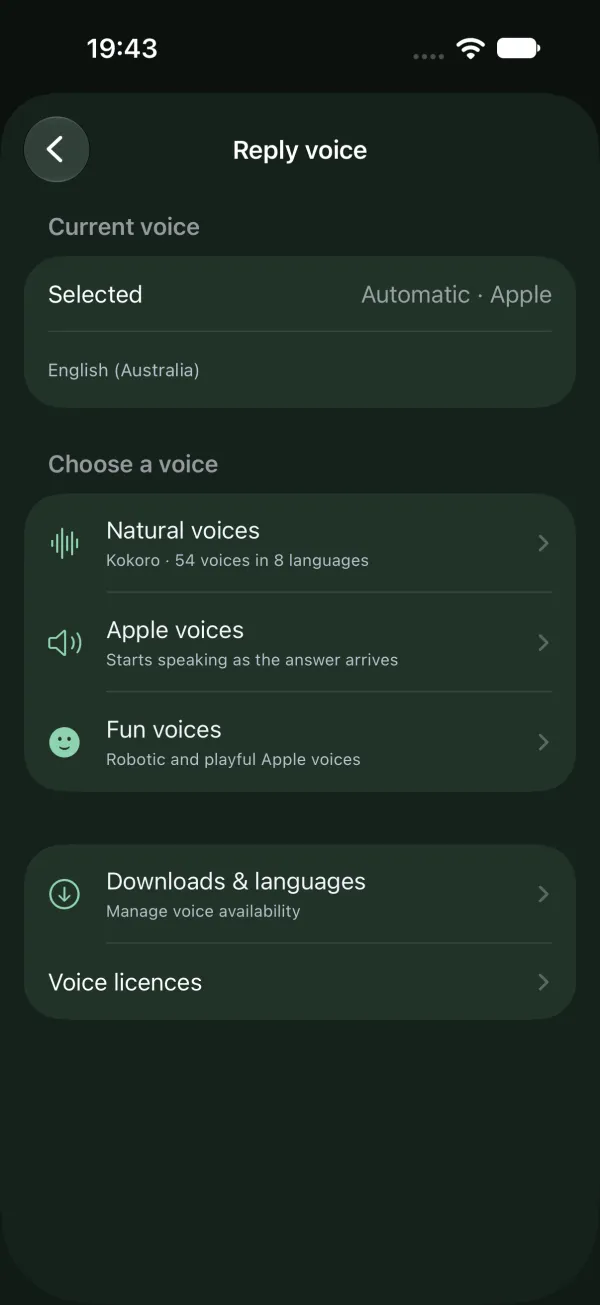
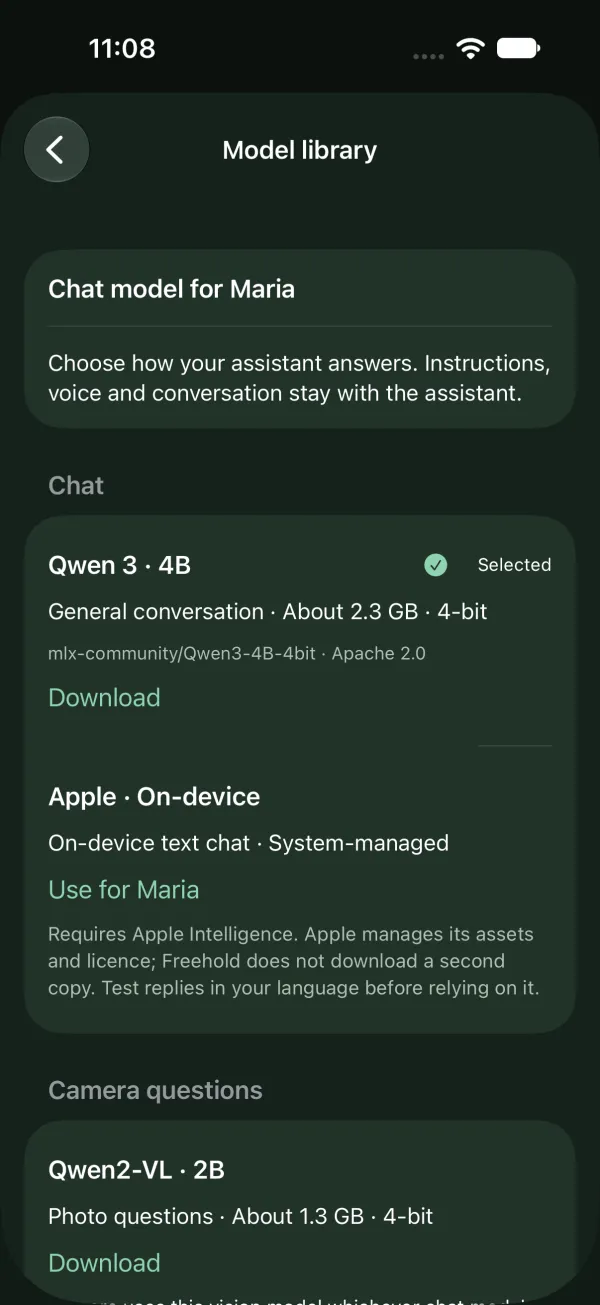
- Choose your model and voicePick a chat model from the library and a reply voice that suits you.
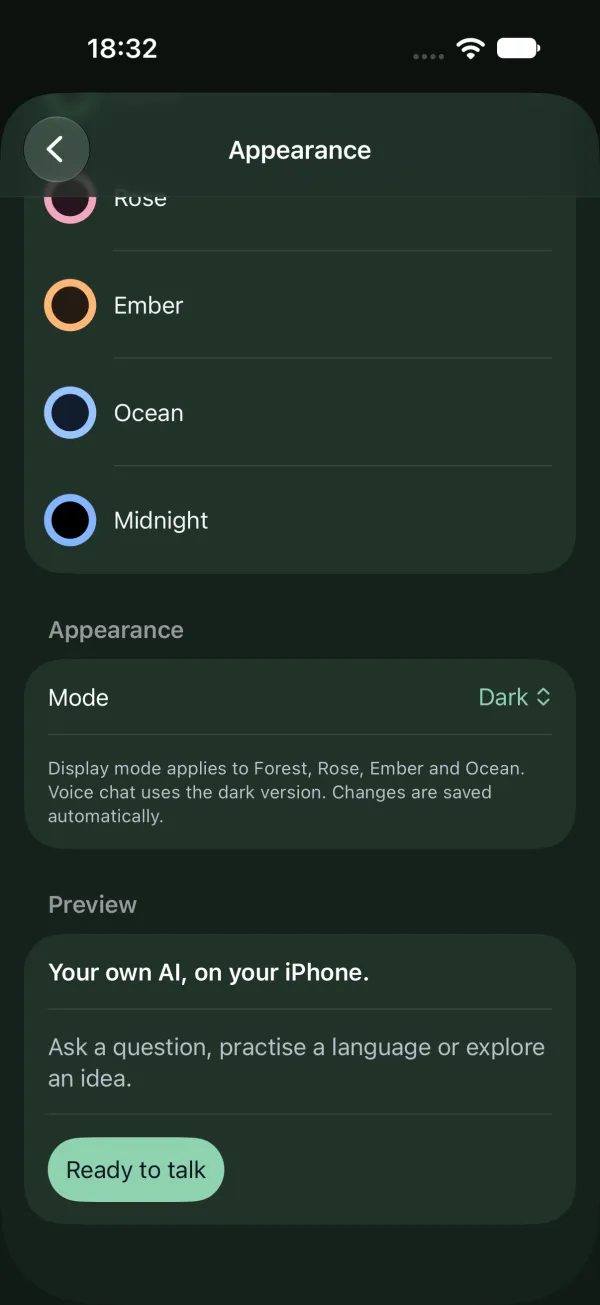
- Make it yoursSet up assistants with their own names and instructions, and pick a colour theme.
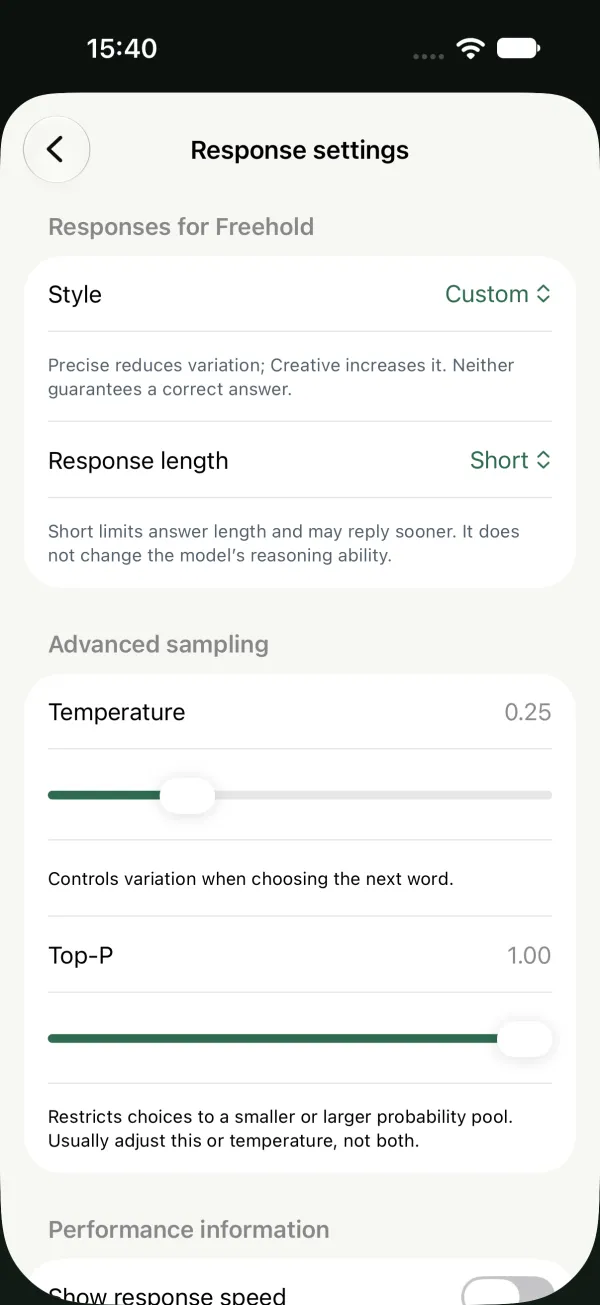
Have a look.
Screens are from a preview build and may change before release.
Yours, on your phone.
Before you start.
Freehold AI is being prepared for release. Model downloads need an internet connection; supported local features work offline once their assets are installed. Available features depend on your iPhone, language and selected model.
Models can give confident but incorrect answers. Check important answers yourself.